PaioClaw – Deploy secure OpenClaw in under 60 seconds and save 50% on tokens
PaioClaw – Deploy secure OpenClaw in under 60 seconds and save 50% on tokens: It offers a secure, auto-updating, and highly optimized Personalised...
Key takeaways
- Use this as a buyer-focused guide for ai tools, not just a trend summary.
- Compare workflow fit, pricing risk, integrations, and alternatives before trying another tool.
- Check the FAQ section for final decision points before shortlisting.
PaioClaw review: managed OpenClaw for teams that want faster setup and lower token use
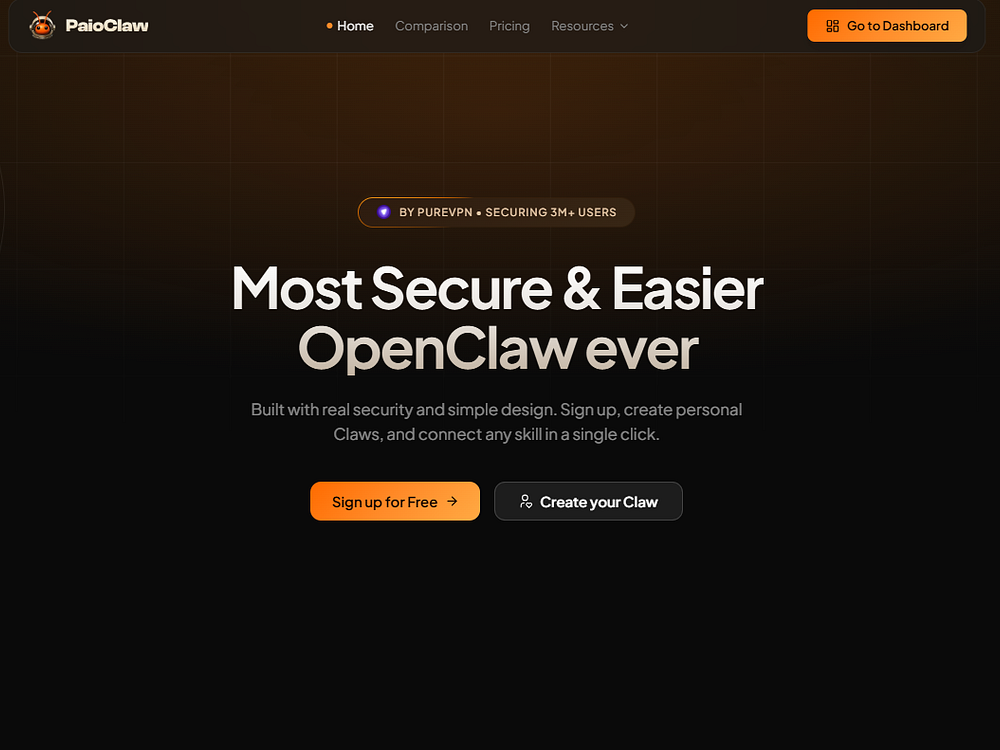
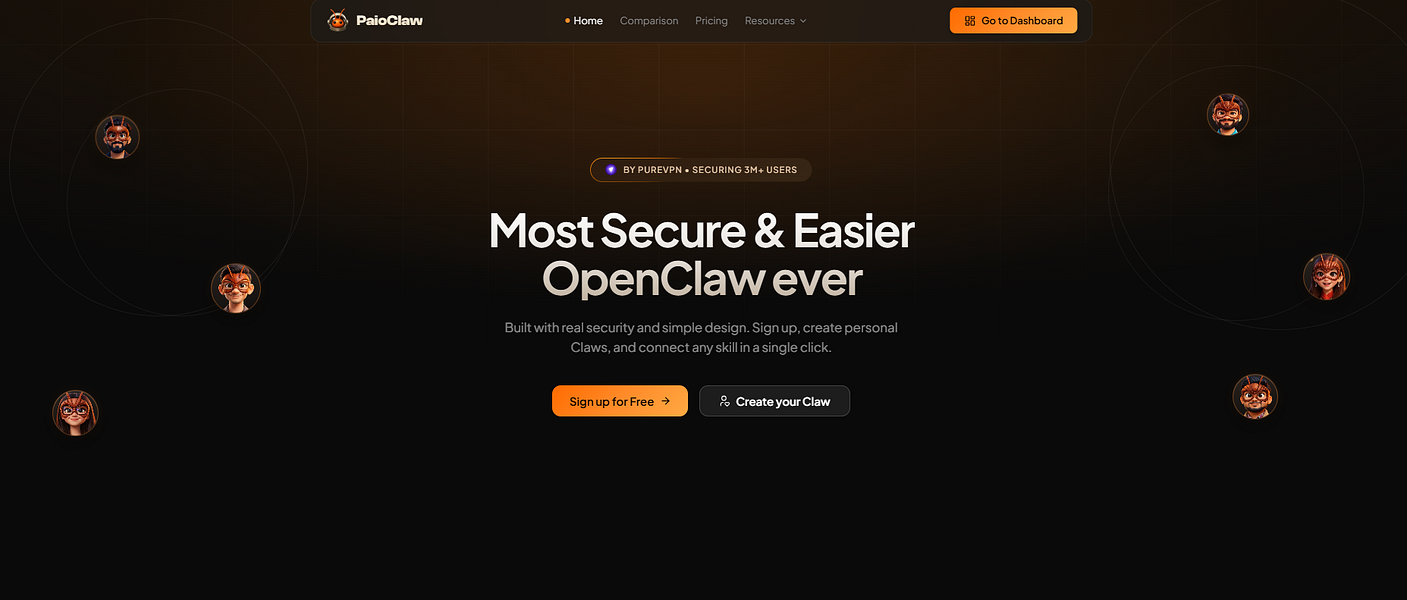
PaioClaw is a managed hosting solution for OpenClaw aimed at buyers who want to deploy a secure, auto-updating, optimized Personalised Clawspace for AI agents without handling the infrastructure themselves. According to its BetaList listing, PaioClaw can be set up in under 60 seconds, reduces token use by 50%, supports persona-based claws, includes a native Mac app and browser relay extension, and starts free.
For teams already exploring OpenClaw, the value proposition is straightforward: reduce deployment friction, keep the environment updated, and potentially cut token consumption. The bigger buyer question is whether PaioClaw is simply a convenience layer or whether its managed approach meaningfully improves reliability, security, and day-to-day agent workflows.
PaioClaw positions itself as a secure, auto-updating, highly optimized Personalised Clawspace for AI agents, with a setup process designed to take less than 60 seconds.

What PaioClaw does
PaioClaw is designed to host and manage OpenClaw so users do not need to configure the full stack manually. The product is described as removing complexity and high costs from OpenClaw deployment while giving AI agents a personalized working environment.
Core capabilities from the listing
- Managed OpenClaw hosting: PaioClaw handles the hosting layer for OpenClaw rather than requiring users to self-manage deployment.
- Under-60-second setup: The product claims fast deployment, which is useful for teams validating agent workflows quickly.
- 50% token-use reduction: PaioClaw states that it can reduce token use by 50%, an important claim for teams with high AI usage costs.
- Secure and auto-updating environment: The listing emphasizes security-minded design and automatic updates.
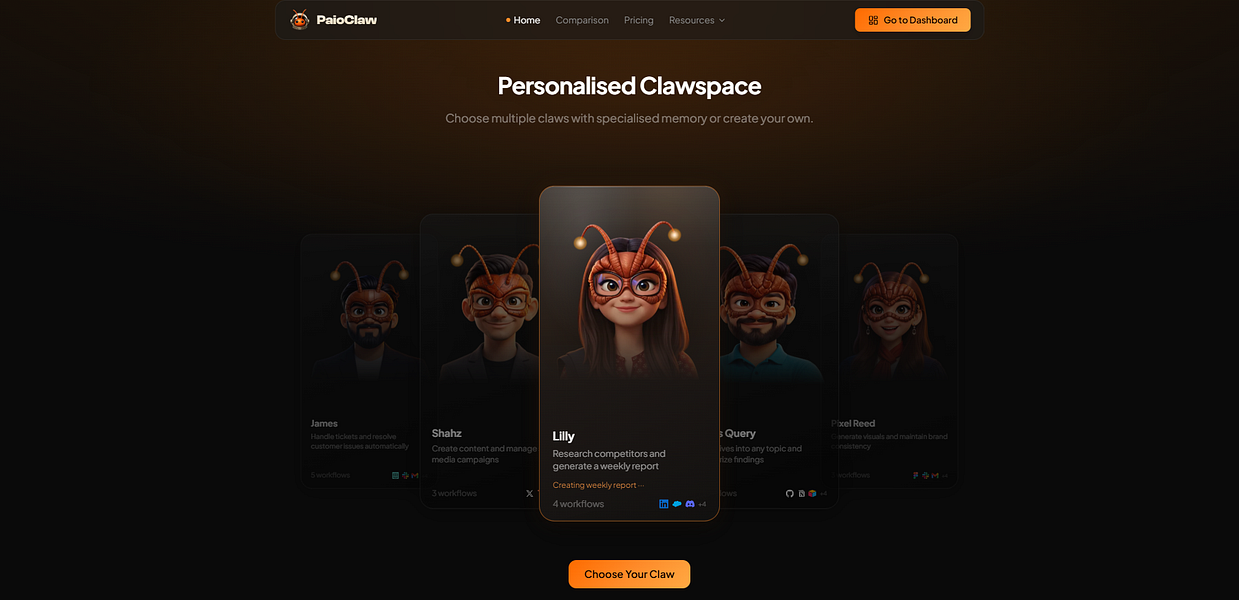
- Persona-based claws: Users can work with persona-based claws, which may help segment agent behavior by role, use case, or workflow.
- Native Mac app: PaioClaw includes a Mac app for users who prefer desktop-native workflows.
- Browser relay extension: The browser extension suggests a workflow bridge between web activity and the OpenClaw environment.
- Free starting point: The listing says PaioClaw starts free, though detailed pricing tiers are not provided in the source.
Who should shortlist PaioClaw?
PaioClaw is most relevant for users who already understand the value of OpenClaw but do not want to spend time on infrastructure, hosting, updates, or optimization. It may also appeal to startup teams testing AI assistant workflows where speed matters more than deep infrastructure control.
| Buyer type | Fit | Why it may make sense |
|---|---|---|
| AI agent builders | Strong potential fit | Managed OpenClaw hosting can reduce setup friction and help teams focus on agent behavior instead of deployment. |
| Startups testing AI workflows | Good fit | Under-60-second setup and a free starting point may support quick experimentation. |
| Mac-first operators | Good fit | The native Mac app may make daily use easier for individuals and small teams on Apple hardware. |
| Security-sensitive teams | Possible fit | The product is described as built with security in mind, but buyers should still verify controls, data handling, and compliance requirements. |
| Enterprise procurement teams | Needs evaluation | The source does not provide enterprise details such as admin controls, audit logs, SLAs, compliance certifications, or pricing terms. |
Workflow value: where PaioClaw may save time
The main operational value is speed. A managed OpenClaw deployment can help users avoid environment setup, ongoing updates, and manual optimization. If PaioClaw’s token reduction claim holds in a buyer’s own workflows, the cost impact could also be meaningful.
1. Faster prototyping
Teams evaluating AI assistant workflows often lose time before they can test real behavior. PaioClaw’s under-60-second setup claim is useful if your goal is to quickly validate whether OpenClaw fits a support, research, productivity, or automation workflow.
2. Lower maintenance burden
Auto-updating managed hosting can reduce the overhead of keeping an OpenClaw environment current. This is especially valuable for small teams without dedicated DevOps support.
3. Persona-based agent organization
Persona-based claws may help users separate agents by purpose. For example, a team might use one persona for research, another for marketing workflow assistance, and another for operations support. The source does not provide detailed configuration options, so buyers should test how flexible these personas are before relying on them for production workflows.
4. Desktop and browser workflow coverage
The combination of a native Mac app and browser relay extension suggests PaioClaw is trying to meet users where they already work. This can matter for individual operators who want AI agents available across local and web-based tasks.

Pricing and cost considerations
The BetaList listing says PaioClaw starts free and claims to save 50% on tokens. However, the source does not include detailed pricing tiers, usage limits, paid-plan costs, overage rules, or conditions behind the token-saving claim.
Before adopting PaioClaw as a production dependency, buyers should ask several practical questions:
- What is included in the free starting plan?
- When does a user or team need to move to a paid plan?
- Are token savings consistent across different model providers, task types, or agent workflows?
- Are there usage caps for hosted OpenClaw environments?
- Does pricing change based on number of claws, users, relays, or automation volume?
- Are there additional costs for business support, security features, or team administration?
The 50% token reduction claim is potentially important, but it should be validated against your own workload. A research-heavy workflow, a browser-assisted workflow, and a long-running automation workflow may have very different token profiles.
Security review: what buyers should verify
PaioClaw is described as secure and built with security in mind. That is encouraging, but buyers should not treat it as a complete security assessment. Managed AI infrastructure can touch sensitive prompts, browser context, files, credentials, and workflow data depending on how it is used.
Security questions to ask before production use
- What data does PaioClaw store, process, or relay?
- How are browser relay extension permissions scoped?
- Are prompts, outputs, and agent activity logs retained?
- Can users delete workspace data?
- Does the product support team-level access control?
- Are updates automatic, optional, or staged?
- Is there documentation for encryption, authentication, and incident handling?
- Are there audit logs or admin controls for teams?
For individual users, these checks may be lightweight. For startups or regulated teams, they should be part of vendor review before connecting PaioClaw to sensitive systems.
PaioClaw compared with similar OpenClaw and hosting options
The BetaList page lists several adjacent tools, including ClawCloud, Clawly, Zedly AI, Clouddley, Ploi Cloud, and HexHosting. These alternatives appear to cover related needs such as private OpenClaw assistants, OpenClaw agent management, containerized setup, VPS deployment, app hosting, and managed Odoo hosting with AI governance.
| Tool | Positioning from the source | How it compares to PaioClaw |
|---|---|---|
| PaioClaw | Managed OpenClaw hosting with secure, auto-updating Personalised Clawspace | Best fit if you want quick OpenClaw deployment, token-saving optimization, Mac app access, and browser relay support. |
| ClawCloud | Run a private, 24/7 OpenClaw assistant with zero setup | May be worth comparing if privacy and always-on assistant availability are top priorities. |
| Clawly | Launch and manage OpenClaw agents with cost dashboards and 24/7 uptime | Potentially stronger for buyers who need cost visibility and uptime management details. |
| Zedly AI | Get OpenClaw running fast with containerized, agent-assisted setup | May suit users who want a more containerized deployment path rather than fully managed hosting. |
| Clouddley | Run apps, databases, and AI workloads on your own VPS without DevOps | Broader infrastructure angle; relevant if you want to host more than OpenClaw-related workloads. |
| Ploi Cloud | Deploy apps on GDPR-compliant European cloud in seconds | More general app deployment focus, potentially relevant for buyers with European cloud requirements. |
| HexHosting | Managed Odoo hosting with AI agent governance for faster performance | Less of a direct OpenClaw alternative; more relevant to Odoo and governance-focused hosting needs. |
Strengths
- Clear setup promise: Deployment in under 60 seconds is a strong benefit for teams that want to test quickly.
- Managed hosting model: Reduces the need to handle OpenClaw infrastructure manually.
- Token-saving claim: A stated 50% reduction in token use could matter for high-volume AI workflows.
- Security-aware positioning: The product emphasizes secure design and auto-updating operation.
- Useful workflow surfaces: Native Mac app and browser relay extension may make the tool more practical for daily use.
- Free starting point: Buyers can likely begin testing without an immediate paid commitment, though limits are not specified.
Limitations and risks
- Pricing details are not available in the source: The listing says it starts free, but does not explain paid tiers, usage caps, or overage costs.
- Token reduction needs validation: The 50% savings claim should be tested with your actual prompts, agents, and models.
- Security details are high level: Buyers need documentation on data handling, retention, permissions, and controls.
- Enterprise readiness is unclear: The source does not mention audit logs, SSO, role-based access control, SLAs, or compliance certifications.
- OpenClaw dependency: PaioClaw is most relevant if OpenClaw is already part of your AI agent strategy.
Decision guide: should you try PaioClaw?
You should consider PaioClaw if your team wants a faster way to deploy OpenClaw, reduce operational setup, and test whether a managed Personalised Clawspace improves AI agent workflows. It is particularly interesting for Mac users, browser-heavy workflows, and startups that want to experiment without building infrastructure first.
You may want to compare alternatives first if you need detailed cost dashboards, guaranteed uptime commitments, private 24/7 assistant hosting, containerized control, or broader cloud infrastructure. The right choice depends on whether your bottleneck is OpenClaw setup, ongoing cost visibility, security governance, or general hosting.
Shortlist PaioClaw if:
- You want managed OpenClaw hosting rather than self-managed setup.
- You value fast deployment and low initial friction.
- You want to test persona-based claws for different AI agent roles.
- You use a Mac and want a native app experience.
- You need a browser relay extension as part of your AI workflow.
- You are actively trying to reduce token costs.
Be cautious if:
- You need transparent paid pricing before testing.
- Your workflows involve sensitive data and require formal security documentation.
- You need enterprise controls such as SSO, audit logs, or compliance assurances.
- You want full control over OpenClaw hosting infrastructure.
Bottom line
PaioClaw is a practical tool to watch for buyers who want OpenClaw benefits without OpenClaw deployment complexity. Its strongest claims are fast setup, managed secure hosting, auto-updating operation, persona-based claws, Mac and browser workflow support, and a 50% reduction in token use. The free starting point makes it easier to evaluate, but production buyers should verify pricing, usage limits, security controls, and real token savings before committing.
For teams already committed to OpenClaw, PaioClaw deserves a shortlist as a managed convenience and optimization layer. For organizations with strict procurement or compliance requirements, it should be treated as an early evaluation candidate until more operational and pricing details are confirmed.
Evaluation criteria
How to use this guide before buying software.
FAQ
How should I evaluate PaioClaw – Deploy secure OpenClaw in under 60 seconds and save 50% on tokens?+
Evaluate PaioClaw – Deploy secure OpenClaw in under 60 seconds and save 50% on tokens through workflow fit, pricing risk, integrations, alternatives, and whether it improves a real ai tools use case.
What should I compare before buying an AI or SaaS tool?+
Compare the product against direct competitors, built-in features inside tools you already use, and the current manual workflow before choosing a paid plan.
When should I skip a trending tool?+
Skip it when the use case is unclear, pricing limits are hard to verify, or the product duplicates a workflow your existing stack already handles well.