Turn prompts and images into export-ready 3D assets with less manual modeling.
Meshy is built for creators and teams who want to move from idea to usable 3D output faster. It combines text-to-3D, image-to-3D, texturing, remeshing, animation, and API workflows in one platform.
Free plan available with no credit card required. Pricing and billing can change, so check Meshy before subscribing.
Useful signs of product maturity before you commit.
Instead of generic hype, this page focuses on practical trust signals from Meshy’s official site: public plan tiers, API docs, export formats, integrations, security badges, and a broad set of use cases.
Security and ownership matter more than flashy demos.
Meshy says paid plans give you private asset ownership, while the free plan uses CC BY 4.0 licensing. The pricing FAQ also states web-app data is stored securely with Amazon Web Services in the United States and not used for training without consent.
A strong option for fast 3D ideation, asset generation, and export.
Meshy is easiest to justify when speed, iteration, and flexibility matter more than doing every modeling step by hand. It looks especially practical for solo creators, indie devs, and small teams that need both a visual tool and an API path.
Solo creators, freelancers, indie devs, educators, and small teams that want quicker 3D output from prompts or images.
Several workflow steps live in one place: generation, texturing, remeshing, animation, preview, export, and API access.
Free-plan licensing and download rules are more limited, and latest-model downloads are a paid-plan decision for many users.
Start on Free to test style and output quality. Move to Pro when you need private assets, API access, and higher throughput.
Why people switch from slower 3D workflows.
Meshy is designed for teams that feel blocked by modeling bottlenecks, repeated back-and-forth, cleanup work, or the cost of producing many assets by hand.
You have sketches, reference images, or a concept in mind, but turning that into a usable 3D starting point still eats hours or days.
When stakeholders want variants, style shifts, or new concepts, manual rework slows decisions and makes experimentation expensive.
Even after generation, you still need topology choices, textures, exports, or animation-friendly prep before assets fit real workflows.
When you need many props, characters, or variations, traditional production effort rises quickly with each new asset.
Before
- Separate tools for concepting, modeling, texturing, and export decisions.
- Longer iteration cycles each time a direction changes.
- More manual prep before assets are ready for game, design, or printing workflows.
With Meshy
- Start from text, one image, or multiple images depending on the workflow.
- Preview, adjust topology, add textures, rig, animate, and export inside a connected toolset.
- Use the web app for hands-on creation, or connect the API for programmatic generation.
Three steps from input to downloadable 3D asset.
The core Meshy flow is simple: provide text or an image, generate the model, then preview and download for your workflow. That simplicity is a big reason it can shorten early-stage production time.
Input
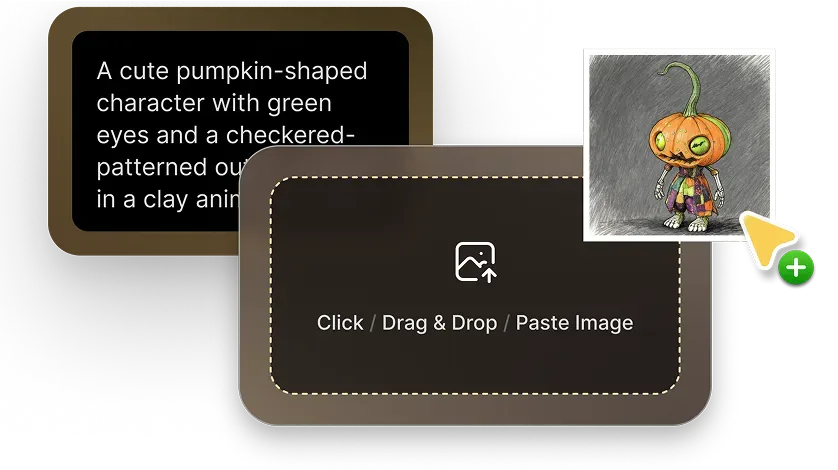
Start with a text prompt, one image, or a set of reference images. This lowers the barrier when you have a concept but not a finished 3D model yet.

Generate
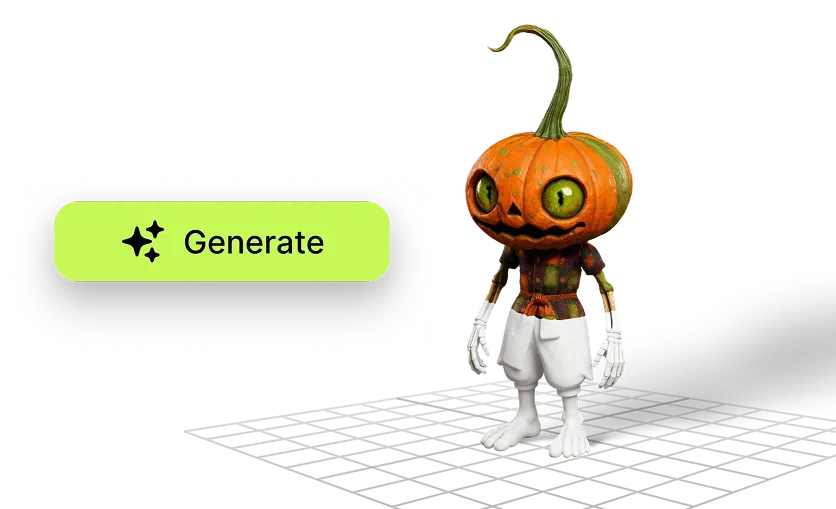
Meshy turns your input into a previewable 3D result. This is where it helps most with faster concept validation and quicker creative iteration.
Preview and download
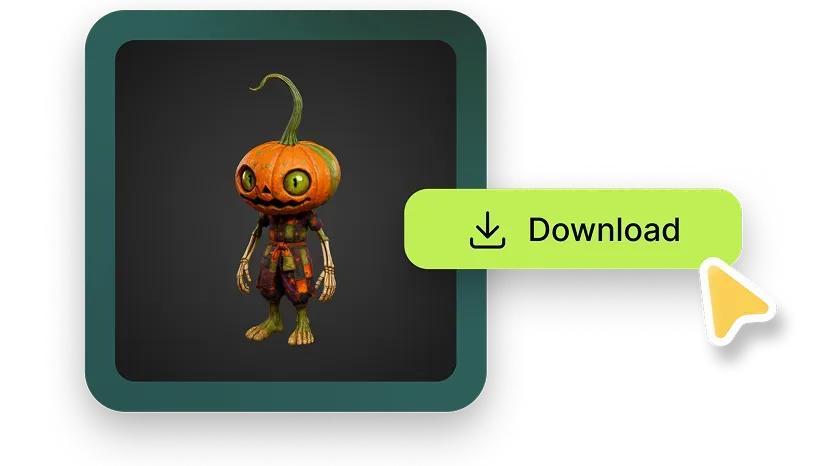
Check the result in the browser, then export for your target workflow. Supported download formats include FBX, OBJ, USDZ, GLB, STL, and BLEND.
What the main features let you do in practice.
This is where Meshy becomes easier to evaluate. Each feature matters because it removes a common blocker: slow ideation, topology cleanup, texture prep, or getting characters ready for animation workflows.
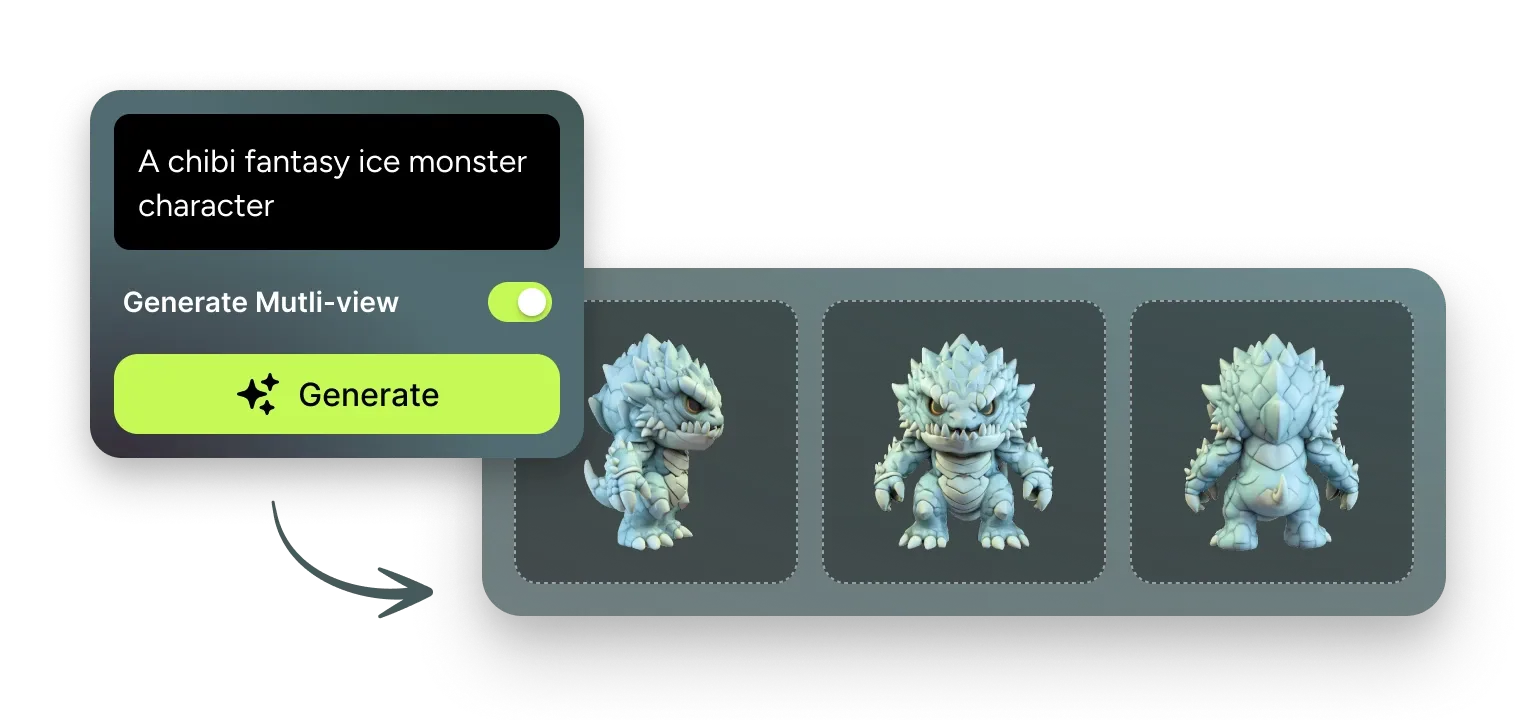
Text, image, and multi-image generation
Generate 3D assets from prompts or visual references, including multi-view workflows on supported plans.
- Why it matters
- You can start from the materials you already have instead of waiting for a full manual modeling pass.
- Pain point solved
- It shortens the gap between idea, concept art, or sketch and the first workable 3D version.
- Best for
- Concept artists, indie teams, designers, and educators exploring 3D without deep modeling expertise.
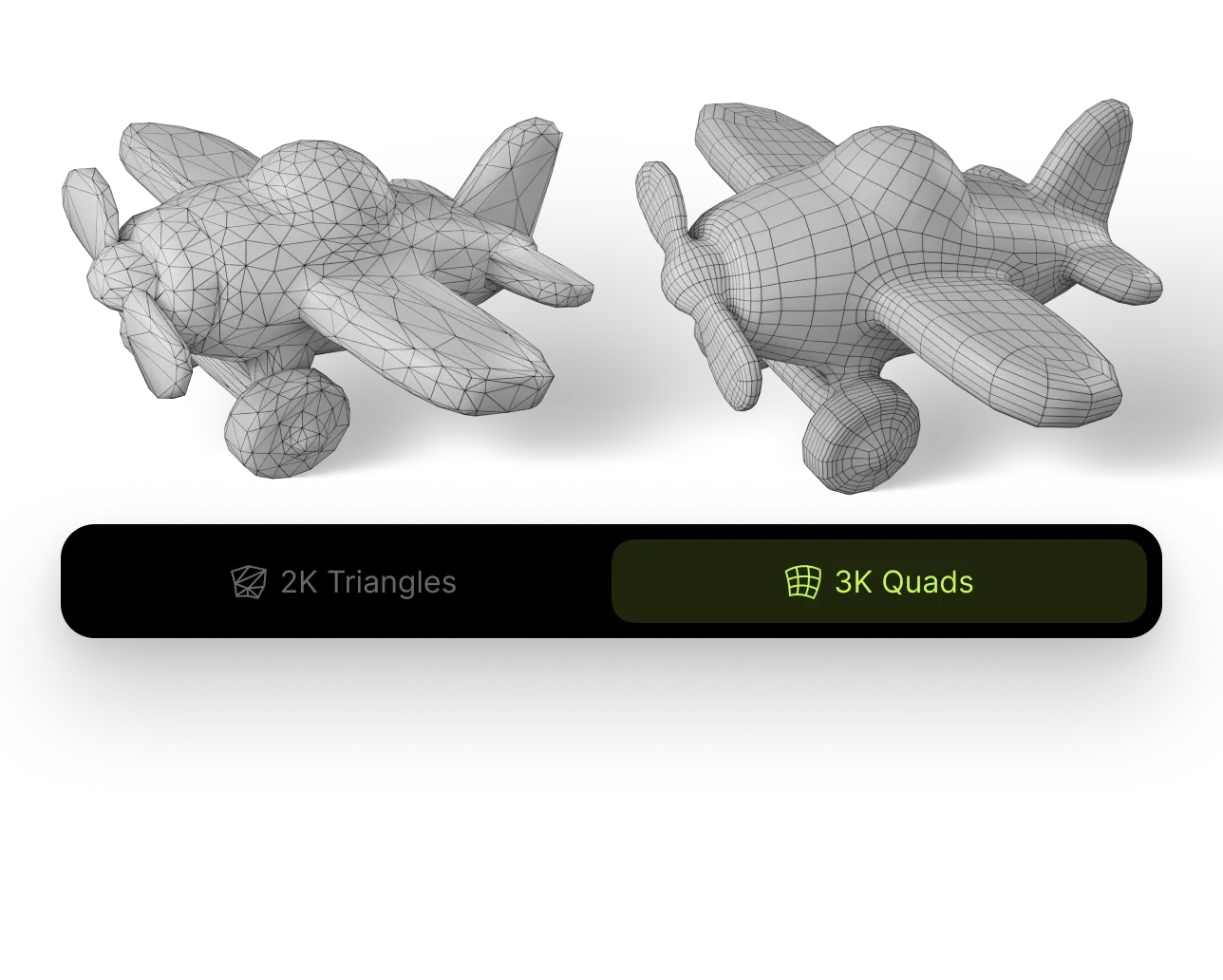
Smart remesh
Adjust triangle or quad counts and balance model detail against performance on export.
- Why it matters
- Topology decisions affect downstream usability for real-time, printing, cleanup, and engine performance.
- Pain point solved
- It reduces the manual overhead of preparing generated assets for actual production use.
- Best for
- Game developers, AR/VR teams, and creators who need more control over the final output structure.
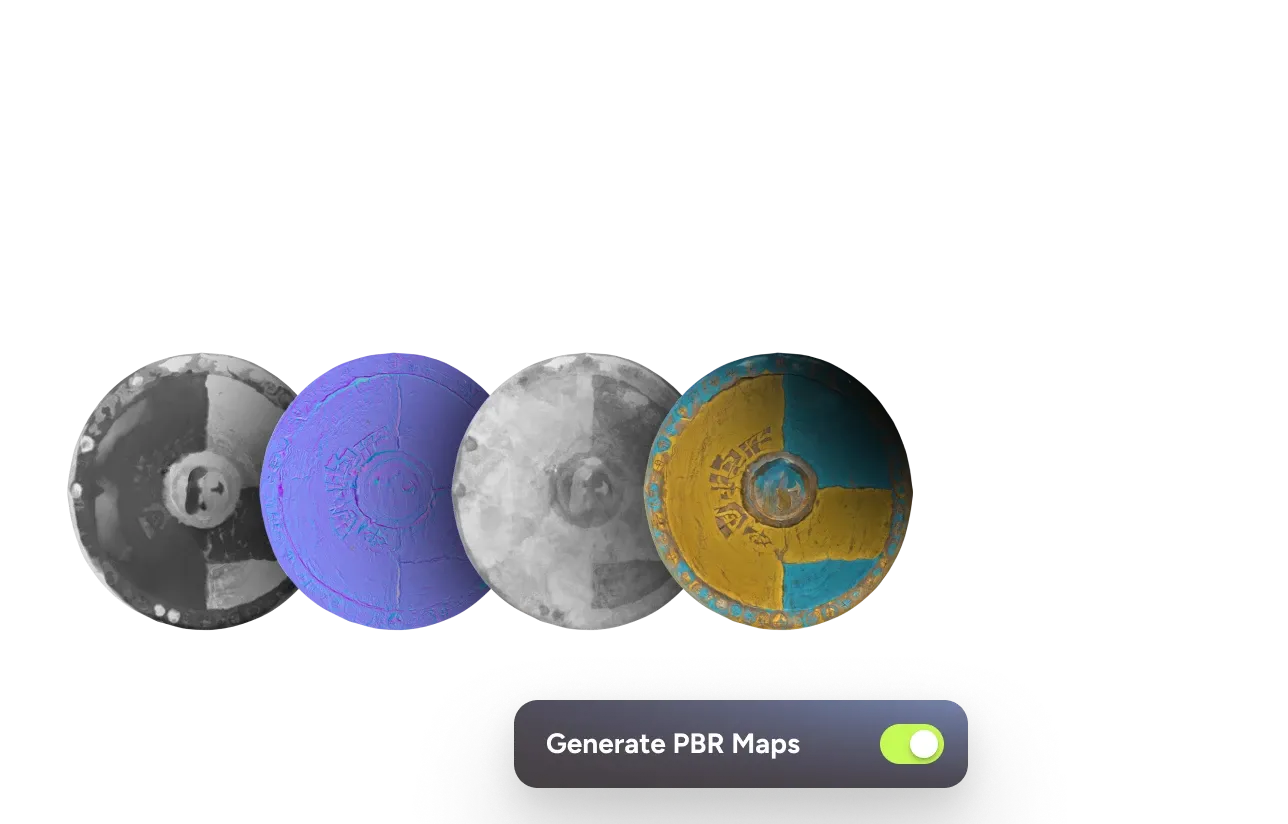
AI texturing and PBR map support
Meshy supports texturing with prompts or reference images and can export diffuse, roughness, metallic, and normal maps.
- Why it matters
- You get a faster route from rough shape to a more usable asset for engines and visualization tools.
- Pain point solved
- It trims the time spent moving between generation and texture-ready outputs.
- Best for
- Teams exporting to Unreal, Unity, Blender, Maya, or WebGL-based workflows.
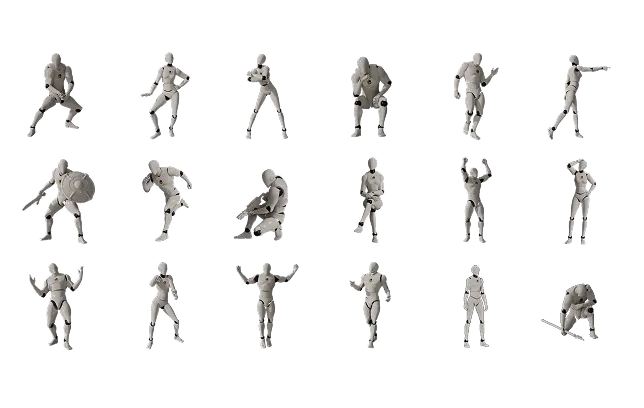
Rigging and animation support
Meshy highlights automatic rigging plus an animation library with 500+ game-ready motions on the homepage.
- Why it matters
- Character workflows usually slow down once a model needs to become animation-ready.
- Pain point solved
- It helps move generated humanoid assets closer to usable character pipelines.
- Best for
- Game teams, prototyping workflows, and anyone testing animated character concepts before deeper polish.
Where Meshy can be easiest to justify.
The official site highlights many use cases. These three are especially clear because the value is easy to see: faster concept-to-model work, quicker asset prep for real-time environments, and easier idea-to-print workflows.
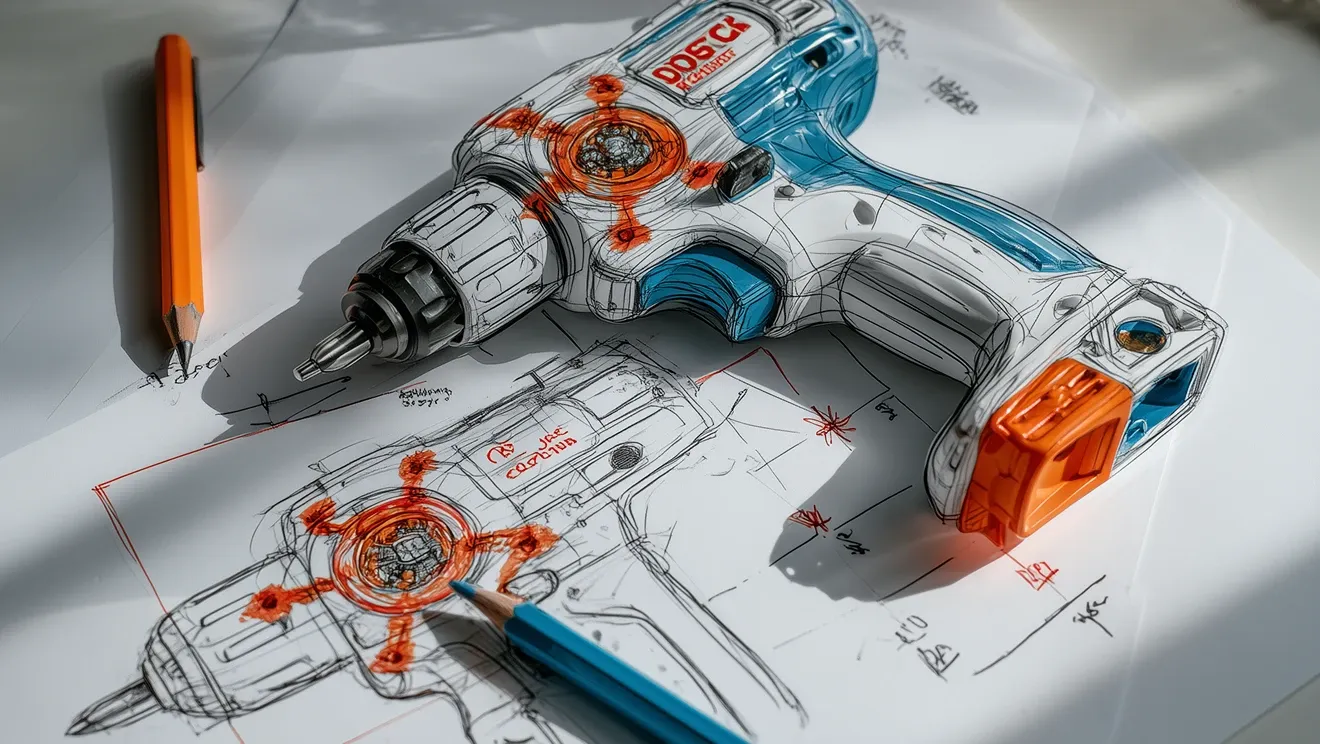
Product design and concept exploration

Game, AR, and VR asset pipelines
3D printing and maker workflows
Meshy’s official site also positions the platform for 3D printing. The value is not just generation, but getting from idea to printable output faster.
- User: hobbyists, educators, and creators making functional or character-based prints.
- Current problem: modeling can be a barrier before printing can even begin.
- Possible outcome: faster prototype cycles before detailed manual cleanup or slicing decisions.
Which Meshy plan to check first.
The official pricing and help-center pages make the plan ladder clear. Free is for exploration, Pro is for solo paid work and API access, Studio adds more output and collaboration, and Enterprise is for scale, SSO, and dedicated support.
Free
- ✓100 monthly credits
- ✓1 queued task
- ✓10 downloads/month for Meshy 5 models
- ✓CC BY 4.0 licensing on free-plan outputs
Pro
- ✓1,000 monthly credits
- ✓10 queued tasks
- ✓API access and private assets
- ✓Good fit for solo creators, freelancers, and indie devs
Studio
- ✓4,000 monthly credits
- ✓20 queued tasks
- ✓Team management
- ✓Better fit for small teams with higher output needs
Enterprise
- ✓50+ queued tasks
- ✓Highest API throughput
- ✓SAML SSO and dedicated support
- ✓Best for large organizations with scale or governance needs
Who should move forward, and who should verify more carefully.
No tool fits everyone. Meshy looks strongest when speed and throughput matter. It needs closer checking if your workflow depends on strict manual control, highly specialized asset requirements, or pricing assumptions that only make sense on the free plan.
Best for
- Solo creators and freelancers who want a faster path from idea to 3D asset.
- Indie game and XR teams that need more iterations and export-ready files.
- Designers and educators who benefit from visual-first creation without deep modeling skills.
- Developers who want API access instead of relying only on manual web-app steps.
Not ideal for
- Teams that need every asset to begin with manual topology decisions rather than AI-first generation.
- Buyers who expect the free plan to cover private ownership, latest-model downloads, or team features.
- Organizations with security or procurement requirements that need SSO and dedicated support from the start.
- Workflows where credits, output variability, or plan limits have not been budgeted in advance.
Pros
- Several 3D creation steps live in one platform.
- Web app and API options support both visual users and developers.
- Broad export support helps connect Meshy to downstream tools.
- Plan ladder makes it easy to test on Free and scale later.
Considerations
- Unused plan credits reset monthly unless you buy extra credit packs.
- Free-plan downloads and licensing are more limited than paid plans.
- API usage is separate pay-before-you-go credit purchasing.
- Annual or promotional pricing details can change, so recheck before buying.
Answers to the purchase questions most people ask first.
These answers focus on fit, workflow, licensing, API access, exports, and plan limits—the things that usually decide whether someone should move forward.
Meshy is an AI-powered 3D content creation platform. Official pages say it supports Text to 3D, Image to 3D, AI texturing, animation, and API workflows.
It can be a good fit when you want to start from prompts or images instead of traditional modeling from scratch. That said, advanced workflows still benefit from understanding exports, topology, and downstream tool requirements.
Yes. Meshy offers a free plan with 100 credits each month and no credit card required. Important limits include free-plan licensing, one queued task, and specific download restrictions for the latest AI model downloads.
Pro becomes easier to justify when you need private assets, API access, more throughput, and a better fit for paid freelance or indie product work. It is the plan Meshy positions for solo creators, freelancers, and indie devs.
Yes. Meshy provides API documentation and a quick-start flow for generating 3D models and textures from text prompts and images. API usage is credit-based and pay-before-you-go.
For AI texturing, Meshy supports uploads in FBX, OBJ, STL, GLTF, and GLB. For Text to 3D and Image to 3D, supported downloads include FBX, OBJ, USDZ, GLB, STL, and BLEND.
Meshy says paid users own the assets they create, provided the materials used do not violate others’ copyrights. On the free plan, outputs are provided under CC BY 4.0, which allows commercial use with attribution.
Check required queue size, collaboration needs, API throughput expectations, SSO requirements, and how many credits you need each month. Studio adds team management, while Enterprise is where Meshy positions SAML SSO and dedicated support.
Want to see whether Meshy fits your workflow?
Start with the free plan if you want to test output quality and workflow fit. Check the latest pricing before you upgrade, especially if you expect private asset ownership, API usage, or team features.
All action buttons on this page open Meshy in a new tab.